garytan
2012-11-13 10:19 PM
回复 garytan
我是window vista的,找不到Change adapter settings.==
咪咪1025毛毛 发表于 2012-11-13 09:00 PM

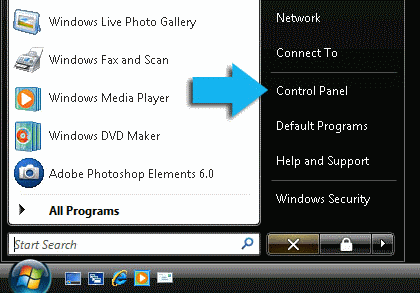
1. Click the
Start Orb, then select
Control Panel.
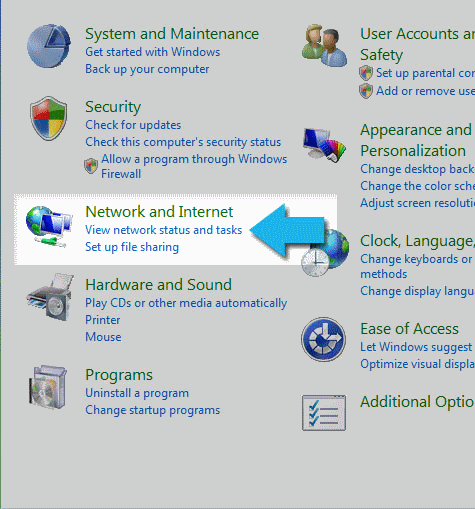
2. Click on View network status and tasks.
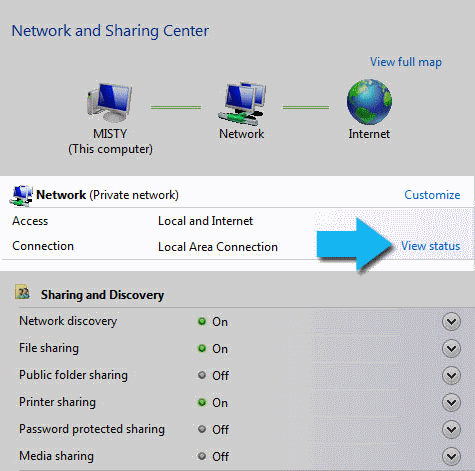
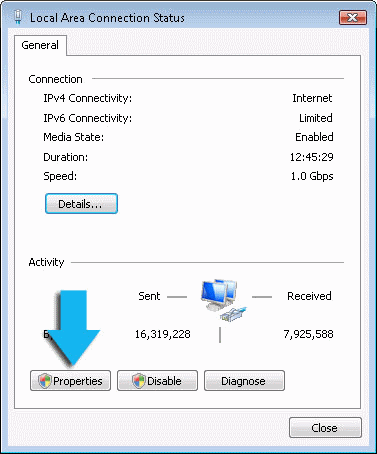
3. Click on View Status.
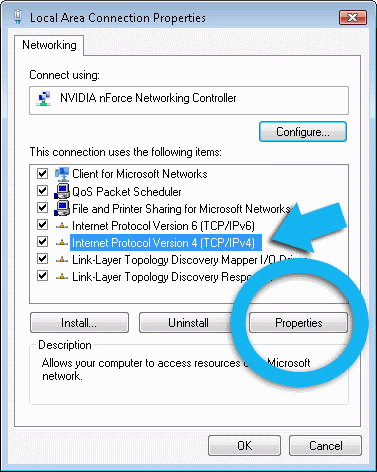
4. Click the Properties button.
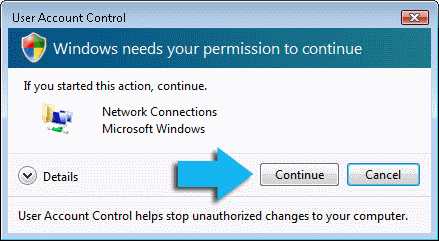
5. Vista may ask for your permission to make changes. If so, click the Continue button.
6. Select Internet Protocol Version 4 (TCP/IPv4), then click the Properties button.